
Get AI tax automation 2026 right
Before connecting the FHE Toolkit to an AI tax engine, you need to verify that your digital records are in a state the software can actually parse. AI models for 2026 tax filing rely heavily on structured data extraction. If your source documents are scattered or unverified, the automation will fail or, worse, produce confident but incorrect filings.
Verify Document Readiness
AI tax tools excel at sorting and categorizing receipts, but they struggle with ambiguity. Ensure all W-2s, 1099s, and expense receipts are stored as clear PDFs or high-resolution images. Avoid handwritten notes or photos taken in poor lighting. If your documents are already digitized, check that the text layer is selectable; scanned images without OCR (Optical Character Recognition) will be ignored by most automated parsers.
Confirm Data Integration Permissions
The FHE Toolkit acts as the bridge between your financial data and the AI engine. You must grant explicit read-only access to the relevant bank accounts and investment portals. The AI needs this access to validate income and categorize transactions automatically. Do not use shared accounts where possible, as mixed ownership can confuse the attribution logic used in 2026 compliance standards.
Audit for Missing Fields
Automation is only as good as the data it receives. Run a preliminary check for missing fields that AI cannot guess, such as estimated tax payments made in previous quarters or specific business expense codes. If these are missing, the AI will either skip them or flag them for manual review, breaking the "set it and forget it" promise. A quick manual audit here saves hours of rework later.
Work through the steps
FHE Toolkit users can move from manual entry to automated filing by following a strict sequence. This workflow relies on AI to handle data extraction and validation, reducing the need for manual verification. Follow these steps in order to prepare your 2026 tax return.
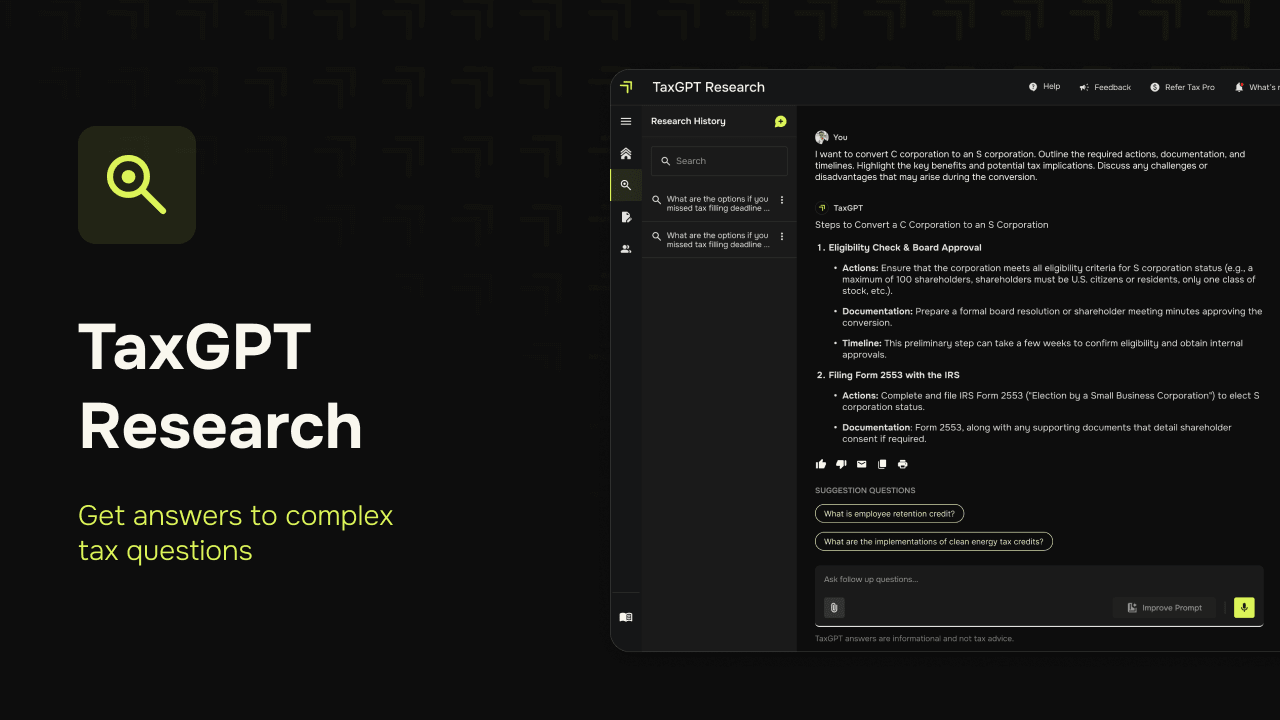
Upload all relevant tax documents to the FHE Toolkit. This includes W-2s, 1099s, and bank statements. The system uses document understanding to parse these files automatically. Ensure files are clear and uncorrupted to avoid extraction errors.
Review the data the AI has pulled from your documents. The system categorizes receipts and extracts key information, but you must verify the totals. Check for missing entries or misclassified expenses. This step prevents errors from propagating into your final return.
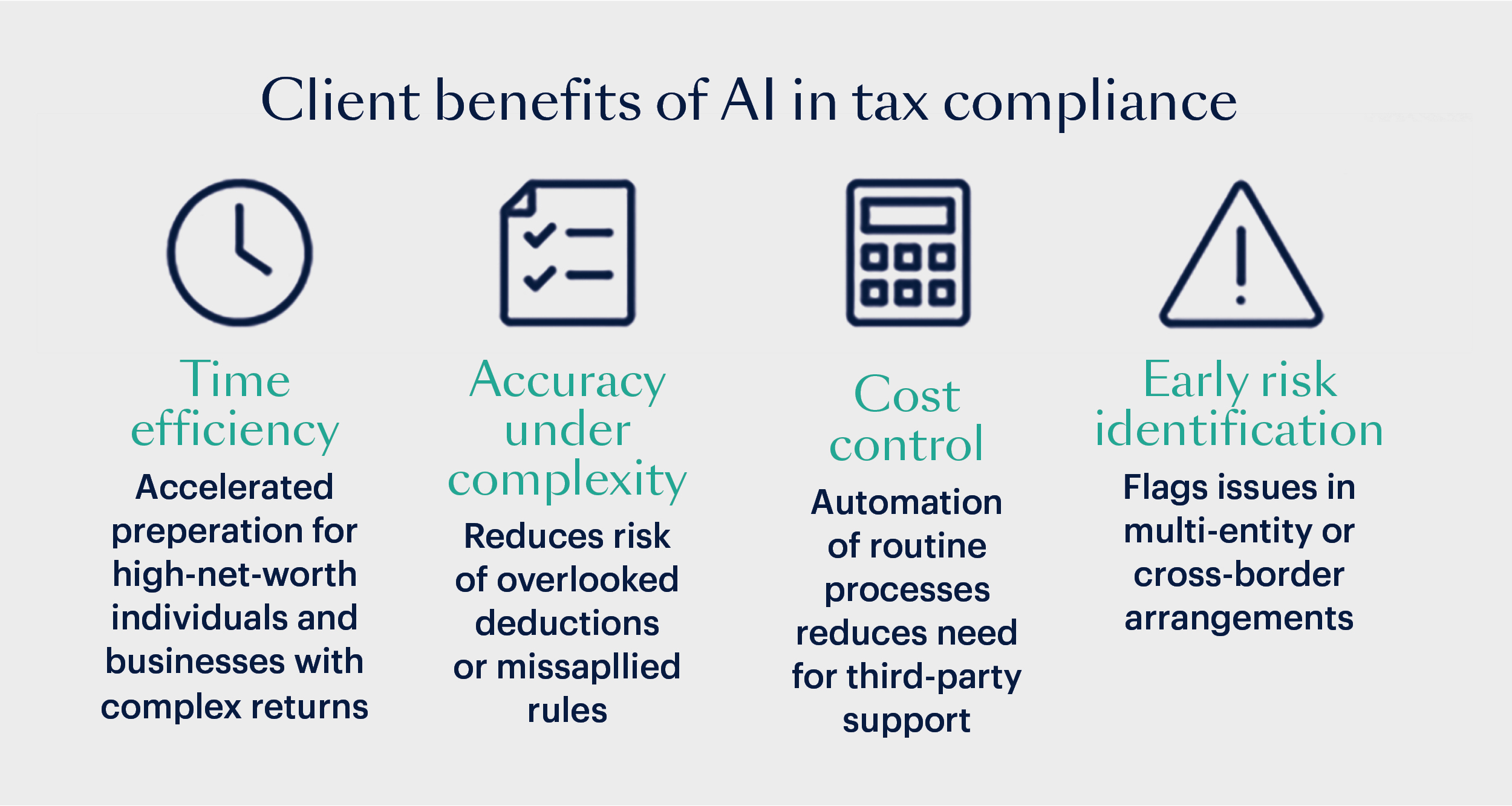
Use the toolkit’s built-in compliance engine to scan for common mistakes. The AI checks against current 2026 tax codes and flags anomalies. Look for deductions that might trigger audits or credits you may have missed. Address any flagged items before proceeding.

Once validated, generate your final tax forms directly from the toolkit. The system prepares the necessary PDFs and electronic filing packages. Submit the return through the integrated filing channel. Keep a copy of the confirmation receipt for your records.
After filing, verify your submission status in the FHE Toolkit dashboard. Ensure you receive a confirmation email from the tax authority. If you encounter errors, check the error logs for specific codes and adjust your data accordingly.
Fix common mistakes
Automating your 2026 tax filing with the FHE Toolkit can save hours of data entry, but it relies on clean inputs. When the AI receives messy or incomplete documents, it makes predictable errors that can trigger audits or delay refunds. Most failures stem from three specific areas: document handling, data validation, and integration gaps. Correcting these issues before you run the final submission ensures the automation works as intended.
Garbled or unreadable uploads
The AI’s document understanding engine requires clear, high-resolution scans. Blurry photos, cropped receipts, or PDFs with password protection will cause extraction failures. Instead of relying on the system to guess missing characters, re-scan documents at 300 DPI or higher. Ensure all pages are oriented correctly and free of shadows. If a document is a complex multi-page form, flatten it into a single PDF layer to prevent page-order errors.
Misclassified expense categories
AI categorization is powerful but not inflexible. If you manually override a category once, the system may apply that override incorrectly to future, unrelated transactions. This is especially common with mixed-use assets or irregular income. Review the initial categorization batch specifically for high-value items or unusual vendors. Adjust the rules in the FHE Toolkit’s settings to reflect your specific business structure, then re-run the classification to ensure consistency across the entire year.
Ignoring missing fields
Automation often skips fields it cannot confidently populate, leaving them blank rather than guessing. This results in incomplete returns that require manual intervention anyway. Before finalizing, use the FHE Toolkit’s validation check to flag any empty required fields. Cross-reference these gaps with your source documents. For example, if the AI missed a 1099-MISC amount, manually enter the figure and attach the source document as proof. This hybrid approach maintains speed while ensuring accuracy.
Ai tax automation 2026: what to check next
Before committing to an AI-driven workflow, it helps to know what the tools can and cannot handle. Most systems excel at data entry and categorization but still require human oversight for complex deductions.
No comments yet. Be the first to share your thoughts!